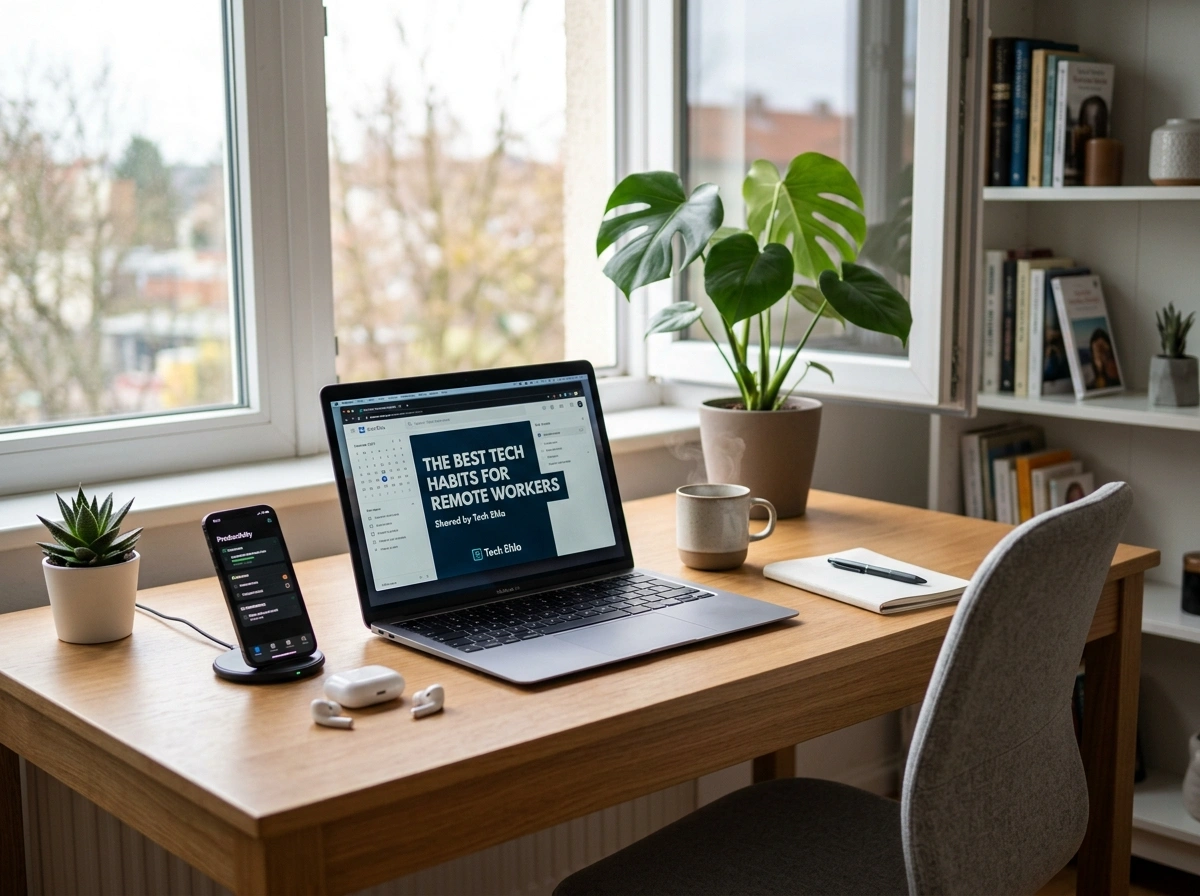
Working from home sounds simple until your Wi-Fi drops during a client call, your files scatter across five apps, and your laptop suddenly needs an update at the worst possible moment. Remote work gives you freedom, but that freedom comes with a catch: your technology becomes your entire office. When it works well, you fly through your day. When it stumbles, everything grinds to a halt.
Across the United States, millions of professionals now work from kitchen tables, spare bedrooms, and coffee shops. The ones who thrive share a common trait. They treat their tech tools with intention. They build smart habits that keep them productive, secure, and balanced. The experts at tech ehla have spent years studying what separates smooth remote workflows from chaotic ones. Below, we break down the habits that make the biggest difference.
Build a Reliable Home Office Tech Setup
Your workspace shapes your workday. A cluttered, underpowered setup drains your energy and slows you down. A thoughtful one keeps you focused.
Start with the essentials. A dependable internet connection sits at the top of the list. If your home network struggles, consider upgrading your router or investing in a mesh Wi-Fi system that covers every corner of your space. Many remote workers also keep a mobile hotspot as a backup for those days when the main connection fails.
Next, invest in the right hardware. A second monitor reduces the constant tab-switching that eats into your focus. A quality webcam and microphone make you look and sound professional on video calls, which matters more than most people realize. An ergonomic chair and an external keyboard protect your body during long hours at the desk.
Keep Your Devices Updated
Software updates feel annoying, but skipping them creates real problems. Updates patch security holes, fix bugs, and often improve performance. Set your operating system and key apps to update automatically during off-hours. That way, you never face a surprise download in the middle of an important task.
Master Your Productivity Tools
The right apps turn scattered effort into steady progress. The wrong approach buries you under too many tabs and notifications.
Pick a small set of tools and learn them well. A task manager like Todoist, Asana, or Trello helps you track what needs doing and when. A note-taking app such as Notion or Evernote keeps your ideas and references in one searchable place. A calendar app blocks out your time so meetings and deep work never collide.
Here is the habit that matters most: resist the urge to collect apps. Many remote workers download tool after tool, hoping the next one will fix their focus. In reality, jumping between platforms wastes time and splits your attention. Choose your core stack, commit to it, and only add new tools when you have a clear need.
Use Automation to Save Time
Automation quietly gives you hours back each week. Connect your apps with a service like Zapier or Make, and you can trigger actions without lifting a finger. New form submission? Send it straight to a spreadsheet. Email from a key client? Flag it and create a task automatically. These small shortcuts add up fast, freeing you for the work that actually needs your brain.
Protect Yourself With Strong Cybersecurity
When you work remotely, you carry your company’s data with you. That makes cybersecurity a personal responsibility, not just an IT department problem. A single mistake can expose sensitive files, so smart habits here protect both you and your employer.
Begin with passwords. Weak or reused passwords remain the easiest way for attackers to break in. A password manager like Bitwarden or 1Password generates strong, unique passwords for every account and remembers them for you. Pair this with two-factor authentication on every service that offers it. That extra step blocks the vast majority of unauthorized logins.
Public Wi-Fi deserves special caution. Coffee shops and airports offer convenience but little security. A virtual private network, or VPN, encrypts your connection so no one on the same network can spy on your activity. If your company provides one, use it every time you leave home.
Watch for Phishing Attempts
Phishing scams grow more convincing each year. A message may look like it comes from your bank, your boss, or a familiar service. Slow down before you click. Check the sender’s address, hover over links to see where they really lead, and never enter credentials on a page you reached through an unexpected email. When something feels off, verify through a separate channel.
Manage Your Communication Tools Wisely
Remote teams live and die by their communication. Yet the same tools that keep you connected can overwhelm you if you let them run wild.
Set clear boundaries around your channels. Use instant messaging apps like Slack or Microsoft Teams for quick questions, email for detailed or formal matters, and video calls for conversations that need real discussion. When everyone follows the same logic, messages stop getting lost and expectations stay clear.
Turn off notifications you do not need. A constant stream of pings fractures your focus and makes deep work impossible. Schedule specific times to check messages rather than reacting the instant each one arrives. Your colleagues will adjust, and your concentration will thank you.
For video meetings, prepare in advance. Test your camera and microphone, mute yourself when you are not speaking, and keep an eye on your background. Small courtesies make virtual collaboration smoother for everyone on the call.
Organize Your Digital Workflows
A messy digital life mirrors a messy desk. When files hide in random folders and downloads pile up, you waste precious minutes hunting for what you need.
Create a clear folder structure and stick to it. Use consistent names for your files so a quick search always finds them. Cloud storage services like Google Drive, Dropbox, or OneDrive keep your work backed up and accessible from any device, which matters when you switch between a laptop and a phone throughout the day.
Set a habit of cleaning up regularly. Spend a few minutes at the end of each week clearing your desktop, sorting new files, and deleting duplicates. This small routine prevents the slow buildup of digital clutter that eventually slows everything down.
Back Up Everything
Hard drives fail, and accidents happen. The best remote workers follow the classic backup rule: keep three copies of important data, on two different types of storage, with one copy stored off-site. Cloud backups handle the off-site part automatically. An external drive adds an extra layer. When disaster strikes, you recover in minutes instead of losing weeks of work.
Use Technology to Protect Work-Life Balance
Remote work blurs the line between office and home. Without a commute to mark the start and end of your day, work can quietly expand until it swallows your evenings. Technology can help you draw that line back.
Set app limits and focus modes on your devices. Most phones and computers now let you silence work notifications after hours. Use these features to reclaim your personal time. Schedule your workday in your calendar, including breaks, and honor those blocks the way you would honor a meeting.
Consider using separate accounts or even separate devices for work and personal use. When your work apps live in one profile and your personal life in another, it becomes easier to log off mentally at the end of the day. Small digital boundaries protect your health and keep burnout at bay.
Final Thoughts
Great remote work is not about owning the fanciest gadgets. It comes from building steady, intentional habits that make your technology serve you instead of the other way around. Set up a reliable workspace, master a focused set of tools, guard your data, communicate with purpose, keep your files in order, and use tech to protect your personal time.
Adopt these habits one at a time, and you will notice the difference within weeks. Your days will feel calmer, your work sharper, and your evenings truly your own. Start with a single change today, build from there, and let smart technology carry you toward a more productive and balanced remote career.